No-Code 101: Building Your First Website (The Simple Way)
The thought of building a website can be terrifying. You hear words like “coding,” “hosting,” and “CSS,” and your eyes glaze over. You know you need an online presence for your idea, your business, or your portfolio, but the technical hurdles feel insurmountable.
What if I told you that you could build a beautiful, professional website without writing a single line of code?
Welcome to the world of “no-code.” It’s a revolution that is empowering creators, entrepreneurs, and beginners just like you to bring their ideas to life online. This guide will demystify the process and show you that yes, you absolutely can do this.
What Exactly is “No-Code”?
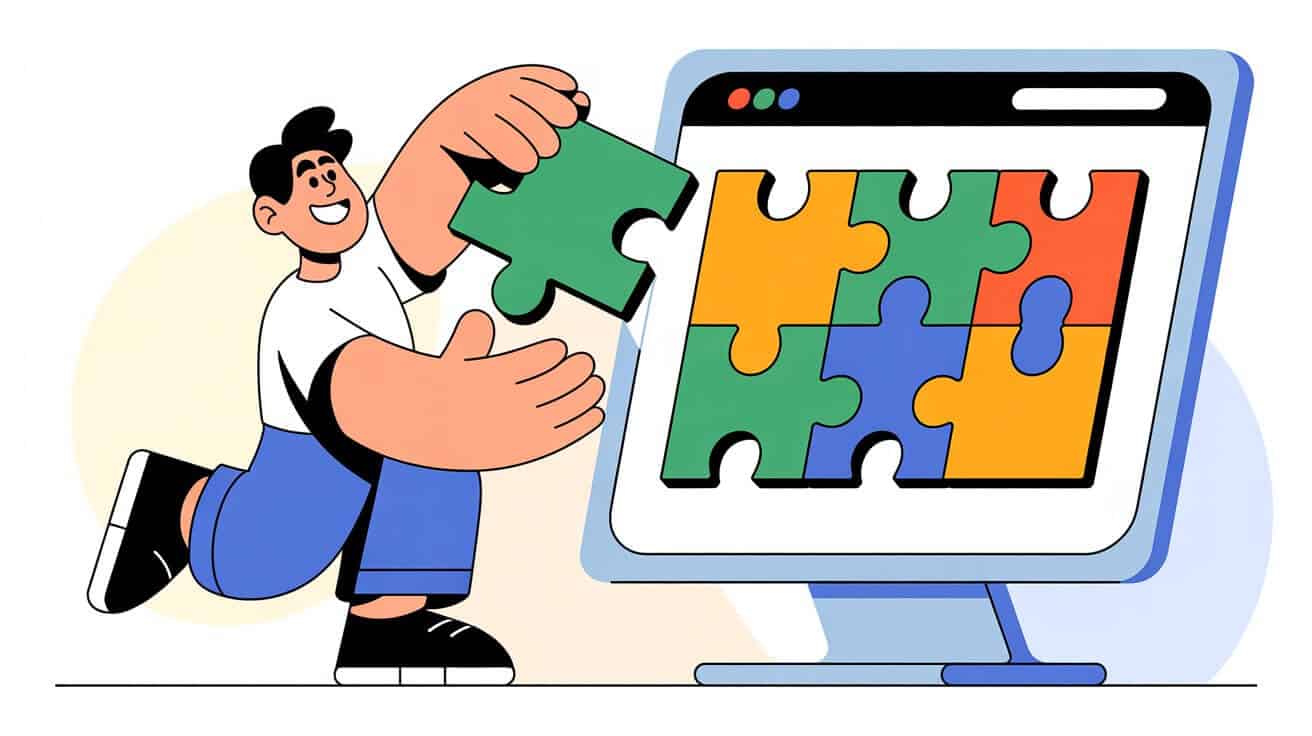
“No-code” is exactly what it sounds like: a way to build websites and applications using visual, drag-and-drop interfaces instead of traditional programming. Think of it like building with LEGOs. You don’t need to know how to manufacture the plastic bricks; you just need to know how to snap them together to create something amazing.
No-code platforms provide pre-built blocks for text, images, buttons, and forms. You simply choose the blocks you want and arrange them on the page. It’s intuitive, visual, and, dare I say, fun!
Why No-Code is a Game-Changer for Beginners
For years, building a website meant one of two things: hiring an expensive developer or spending months learning to code yourself. No-code changes everything.
- Speed: You can go from a blank page to a fully functional website in a matter of hours, not weeks.
- Cost-Effective: It’s dramatically cheaper than hiring a professional.
- Total Control: You have the power to make changes, update content, and tweak your design whenever you want, without needing to call a developer.
This isn’t just about building a website; it’s about taking control of your digital presence.
The 3 Simple Steps to Your First No-Code Website
Ready to get started? The process is simpler than you think.
Step 1: Choose Your No-Code Platform There are many great no-code builders out there. The key is to find one that is designed for beginners and offers beautiful templates to get you started.
Step 2: Design with Blocks Once you’re inside the builder, start by adding sections (or “blocks”) to your page. Add a header block for your logo and navigation, a “hero” block for your main headline, an “about” block for your story, and a “contact” block for your form. Drag them, drop them, and see your page come to life in real-time.
Step 3: Add Your Content Now, simply click on the placeholder text and images and replace them with your own. Write your headlines, describe your services, and upload your photos. This is where you infuse the site with your unique personality and message. Of course, a beautiful design is only half the battle; you also need website copy that sells.
That’s it. You’ve just built the foundation of your first website.
The Easiest Way to Get Started
Feeling empowered? You should be! Building a website is now within your reach.
If you’re looking for the absolute simplest and most powerful way to begin, our AI Website Builder was designed specifically for you. It takes the no-code concept a step further by using AI to generate your entire website—including all the text and images—in under 60 seconds. For just $49, it’s the fastest, most affordable way to launch a professional website that you can be proud of.
Your idea deserves a home online. Let’s build it together.